
PokéMafia how-to videos
Short videos that show how to set up PokéMafia in Discord and use what members get. The full guide is first, then one short video for each step.
Last updated
PokéMafia full guide
Length: 11 minutes 56 seconds
Chapters
- 0:00 Agenda
- 0:25 1. Start on Whop
- 1:16 2. Set up alerts
- 2:21 3. Turn on DMs
- 2:55 4. Drop day tips
- 3:11 5. In-store pings
- 4:12 6. Claim sales
- 5:34 7. PokéParents
- 6:17 8. eBay Live
- 6:50 9. eBay Sniper
- 7:39 10. Stock checkers
- 8:18 11. Personal feeds
- 9:04 12. Marketplace
- 9:44 13. Member Wheel
- 10:16 14. Giveaways
- 10:56 15. MintLab repairs
- 11:28 16. Group buys
Short videos

Your first minute in PokéMafia
Three steps to get your first alerts: open the alert menu, pick your stores and sets, and make sure the pings reach your phone.
Length: 1 minute 24 seconds
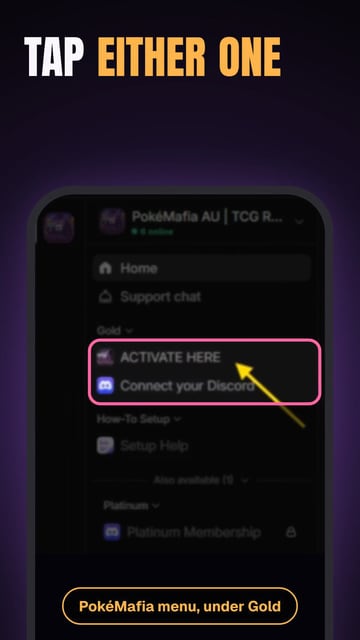
Connect your Discord after joining on Whop
After you subscribe on Whop, connect your Discord account so the Gold channels open, and what to do if they have not opened after ten minutes.
Length: 49 seconds
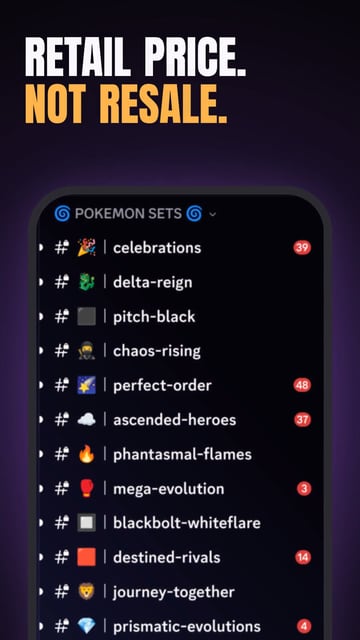
Set up your alerts
Choose the retailers and Pokémon sets you want to be pinged for, then set Discord notifications so the alerts reach your phone.
Length: 1 minute
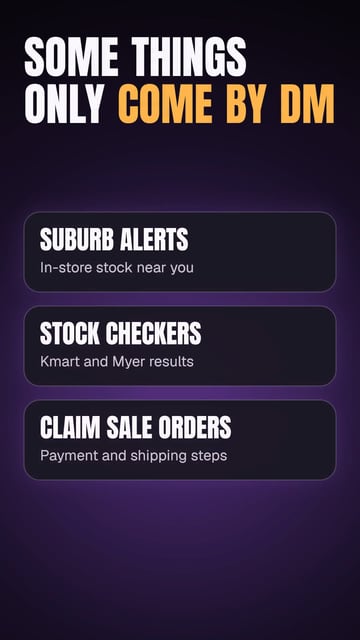
Turn on DMs
Suburb alerts, stock checker results and claim sale orders arrive by direct message. How to turn DMs on for PokéMafia and check Message Requests.
Length: 32 seconds
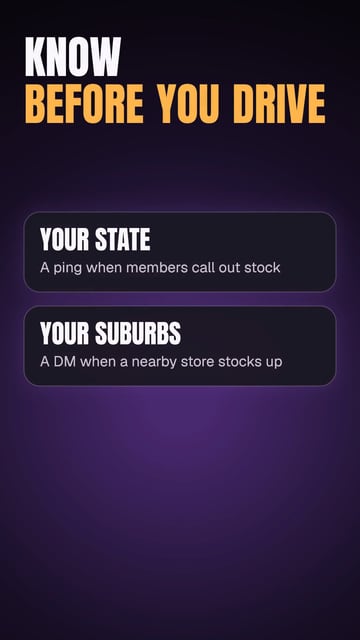
In-store pings
Pick your state to get pinged when members call out stock in store, and add up to five suburbs for a DM when a store near you has stock.
Length: 58 seconds
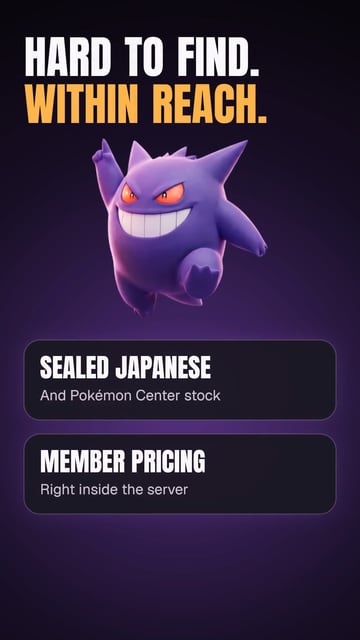
How claim sales work
How a PokéMafia claim sale works for sealed Japanese and Pokémon Center stock: the alert, the Claim button, your safety code, shipping and payment.
Length: 1 minute 20 seconds
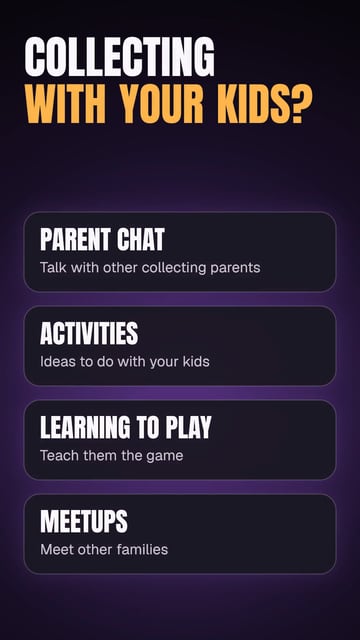
PokéParents
A private space for Gold and Platinum members aged 18 or over who collect with a child aged 13 or under, and how to apply.
Length: 41 seconds
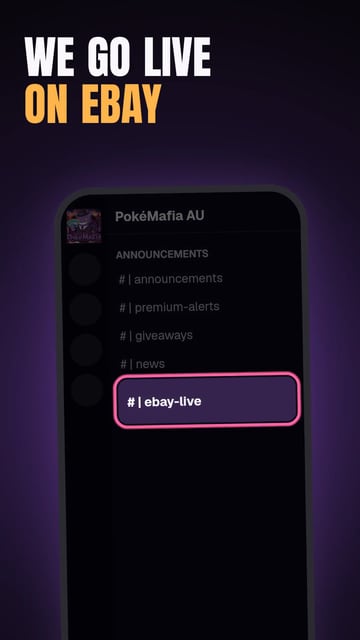
eBay Live alerts
PokéMafia streams on eBay Live. Turn on the eBay Live Streams alert to get a ping when a stream starts.
Length: 31 seconds
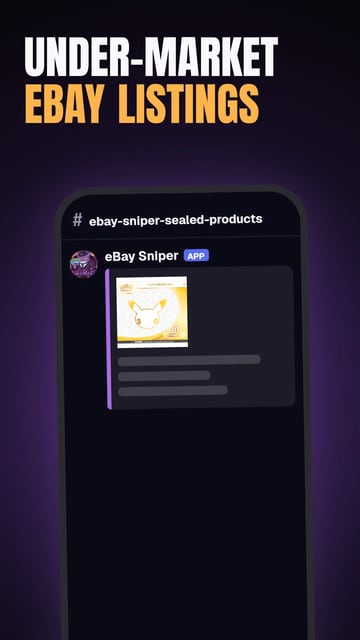
eBay Sniper
The eBay Sniper posts eBay listings that may be underpriced, with shipping included in the cost. How to choose the channels for what you collect.
Length: 46 seconds
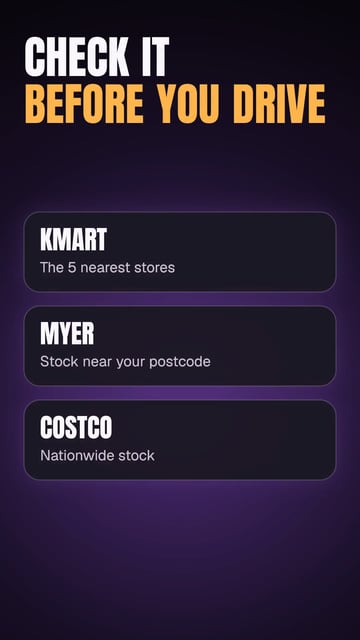
Stock checkers
Check Kmart and Myer stock near your postcode, and Costco stock nationwide, from your phone. Treat the results as a guide, because stock can change fast.
Length: 37 seconds
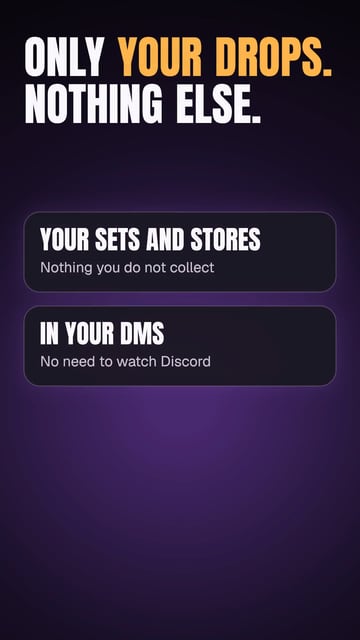
Personal feeds for Platinum members
Platinum members can create a private feed with only the retailers, sets, product types and states they choose, sent by DM.
Length: 43 seconds
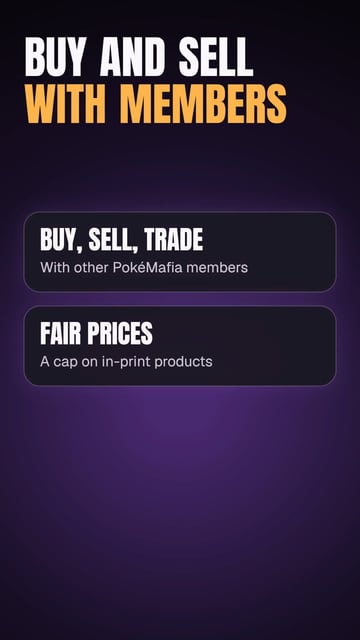
Marketplace
Where members buy, sell and trade with each other, the price cap on in-print products, and the rules on condition, trust trades and meetups.
Length: 38 seconds
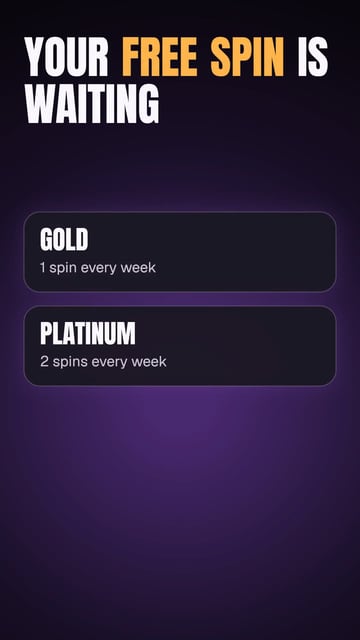
Member Wheel and XP
Gold members get one free spin a week and Platinum members two. How to spin, how XP is earned, and the ranks from Soldier to Mafia Boss.
Length: 30 seconds

Giveaways
Gold and Platinum members are entered in the monthly giveaway automatically. Where to see what is running and how to get extra entries through Instagram.
Length: 37 seconds
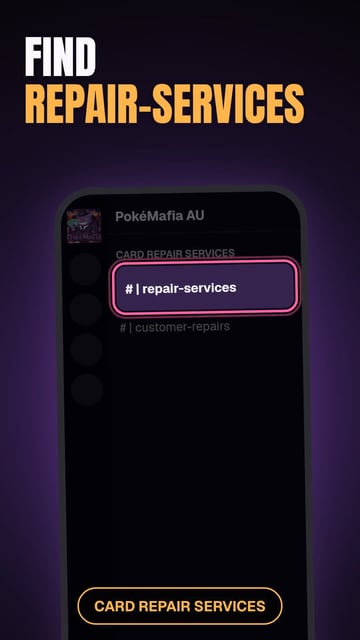
MintLab card repairs
MintLab repairs cards and slabs through the PokéMafia server. How to pick a service, ask a question first, and pay your member price.
Length: 31 seconds
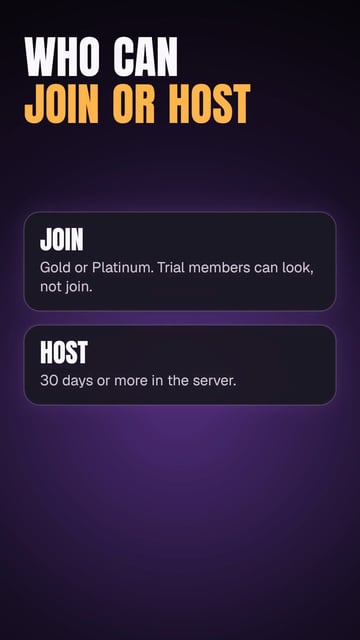
Group buys
Group buys are run by members, not by PokéMafia staff, and are at your own risk. Who can join and who can host.
Length: 19 seconds